Viewing deal details and emails
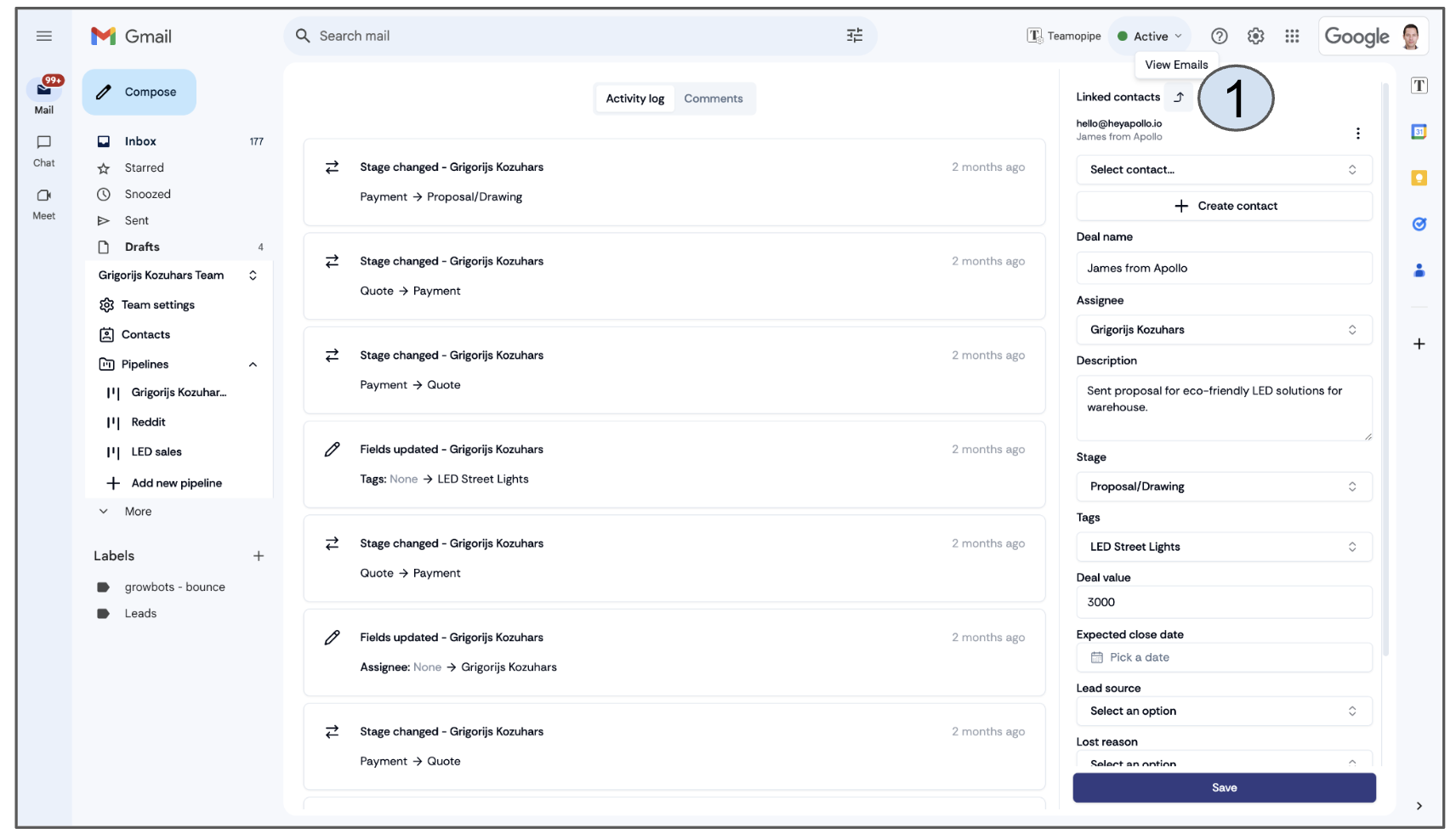
To view the full details of a deal, click on a card in the pipeline. This will open the deal details, where you'll find a changelog showing the history of all changes made to the deal. You can also add an unlimited number of comments to each deal. On the right side, you will see all the deal data and custom fields set up in the "Configure Pipeline" section (refer to slide 6 for more details).
To access emails linked to the deal, click the arrow symbol next to Linked Contacts in the top-right corner (1).